Start With the Destination
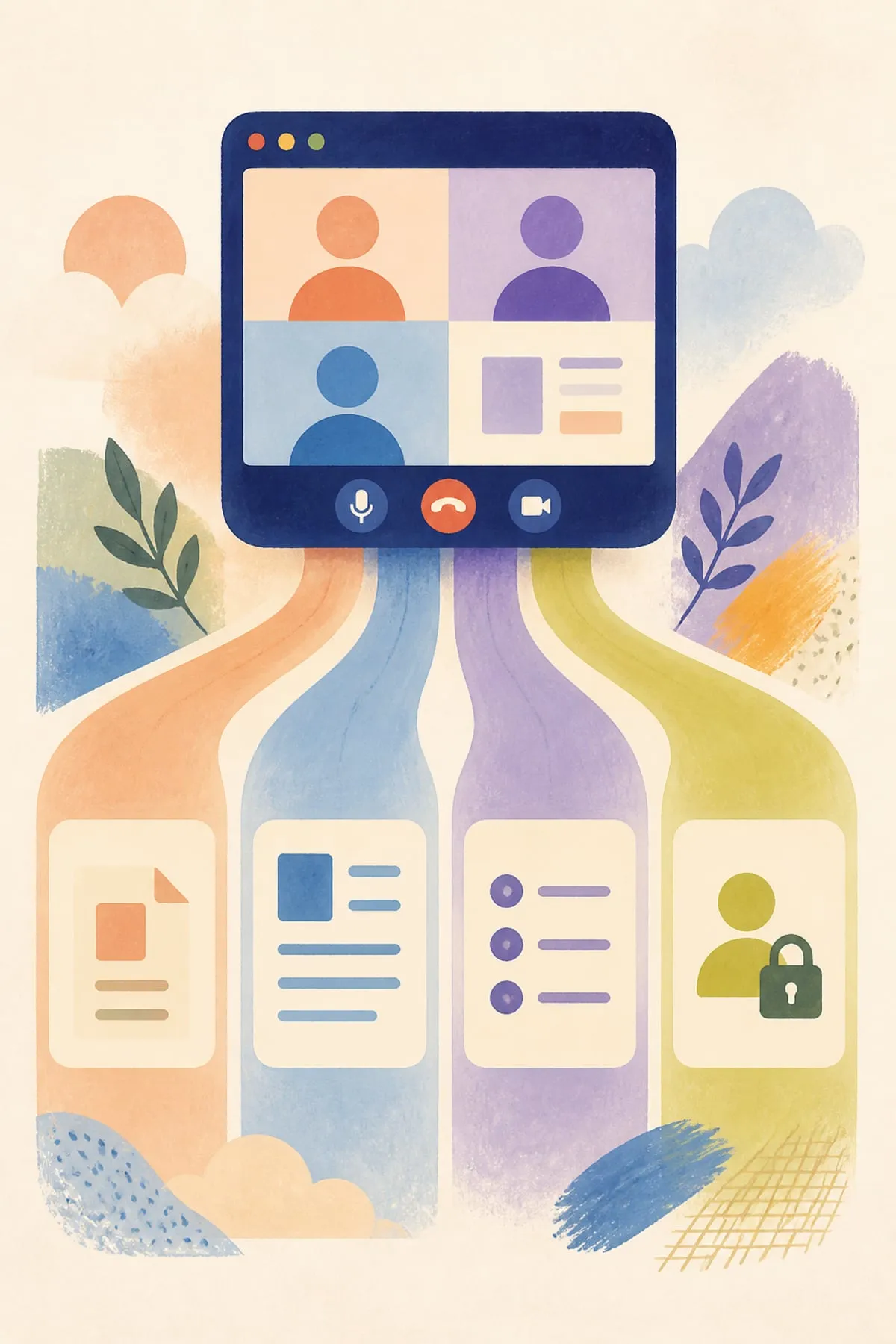
Ask where the meeting output lands and who can open it. Google Meet can save its notes as a Google Doc in the organizer’s Drive and lets the organizer control recipients. Other platforms use their own recap, chat, email, task, or workspace flows.
Separate Summaries From Tasks
A summary is not automatically an assigned plan. Zoom documents Meeting Summary separately from Zoom Tasks, where AI-recommended tasks are reviewed and accepted. Google identifies next steps, Teams Recap can include follow-up tasks, and Notion identifies action items.
Check the Access Conditions
Each workflow has prerequisites. The supplied documentation describes eligible plans for Google, Zoom, and Notion, while Teams distinguishes basic recap from intelligent features requiring Teams Premium or Microsoft Copilot. Versions, settings, meeting length, and meeting type can also matter.
Review Sharing and Participation
Distribution is not identical across platforms. Google gives the organizer control over note recipients. Zoom participant delivery depends on host sharing and sign-in conditions. Teams restricts intelligent recap access for external participants.
Build a Human Review Gate
Before turning a recap into work, confirm participant consent, inspect permissions, correct the summary, verify each proposed task, and add an accountable owner and deadline. This is especially important because Microsoft explicitly warns that AI content may be inaccurate.
Choose for Workflow Fit
The evidence does not establish a quality winner. A defensible choice is the product whose output location, sharing model, task flow, language support, eligibility rules, and review process best fit the team’s existing operating system.
Sources
- “Take notes for me” in Google Meet - Computer - Google Meet Help
- Using Meeting Summary with AI Companion (Zoom Support)
- Using AI task creation and management with Zoom Tasks (Zoom Support)
- Recap in Microsoft Teams (Microsoft Support)
- Take AI meeting notes in Notion | Notion Help Center
Narration and illustrations in the companion video were generated with AI. Every claim above was checked against the linked pages on 2026-09-08.
Spotted an error? Report it here. We fix it and list it, dated, on the Corrections page →